-
 Excel workbook preview
Decontamination and Sterilisation
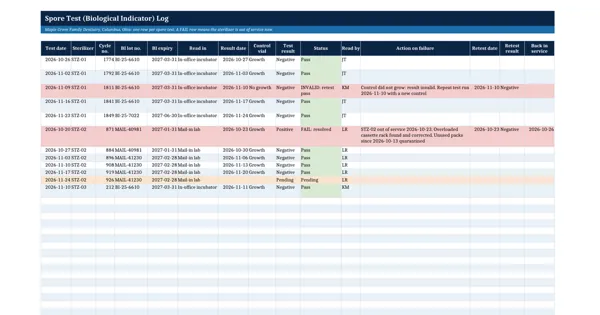
Spore Test (Biological Indicator) Log
3 downloads per free account, no card needed.
Who this is for
A dental office manager whose mail-in spore test came back positive and who needs a log that shows the failure, the retest and the date the sterilizer went back into service.
What is inside
- One row per biological indicator test with lot number, expiry, control vial and result
- Status calculates Pass, FAIL, FAIL: resolved, Pending or INVALID (expired BI or control that did not grow)
- Action, retest date, retest result and back-in-service date recorded in the same row
- Due dates sheet: last test, next due and overdue flag per sterilizer from an interval you set (weekly or daily)
- 12 worked tests across 3 sterilizers including a positive test and an invalid control
- Monthly summary of tests, passes, fails and invalid tests with a chart
How to use it: Set each sterilizer's test interval on Due dates to the rule that applies to you, delete the sample rows and add a row every time a test is run.
Files & formats
- XLSXspore-test-log.xlsx15 KB
Opens in Microsoft Word or Excel, Google Docs or Sheets and LibreOffice. Delivered instantly from your browser.
Free downloads & full access
Every account gets 3 free downloads. Re-downloading a template you already have does not count. This template on its own is $7.99, and buying it keeps your free downloads for something else. Full access is a one-time $249 for all 300 templates, for life.
Bought with a different email? Open your account and enter your order number.
Licence
Use and adapt the document inside your own organisation or for your own clients. Do not resell or republish the templates themselves. These templates are original working documents built on the public guidance named here. They are not legal or contractual advice and are not endorsed by its publisher. Guidance changes: check the current official text.
More in Decontamination and Sterilisation
Decontamination and Sterilisation
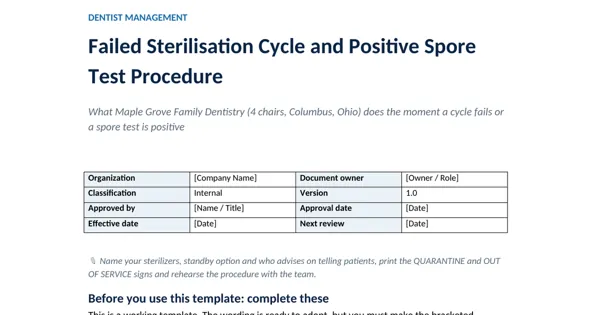
Failed Sterilisation Cycle and Positive Spore Test Procedure
Decontamination and Sterilisation
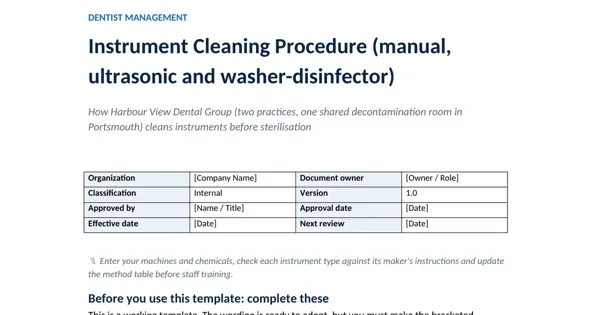
Instrument Cleaning Procedure (manual, ultrasonic and washer-disinfector)
Decontamination and Sterilisation
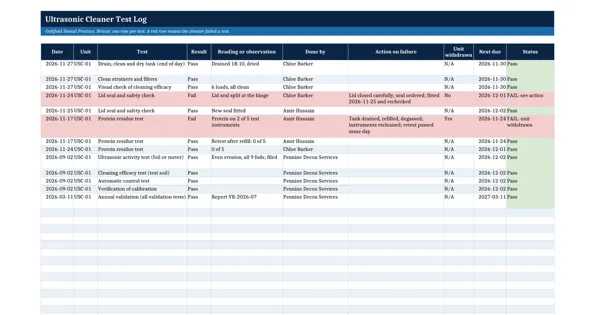
Ultrasonic Cleaner Test Log
Decontamination and Sterilisation