-
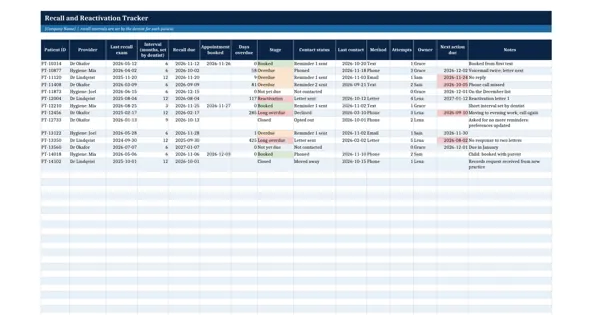 Excel workbook preview
Front Desk and Office Management
Recall and Reactivation Tracker
3 downloads per free account, no card needed.
Who this is for
An office manager downloads this when the recall report from the software is a 40-page printout and the team needs one list showing who is overdue, who was called and what happens next.
What is inside
- Recall due date calculated with EDATE from the last recall exam and the dentist's interval
- Days overdue and stage (Not yet due, Overdue, Reactivation, Long overdue, Booked, Closed) by formula
- Contact status, method and attempt count with dropdowns
- Next action due turns red when it passes and the patient is not booked
- Summary with patients per stage, overdue per provider, booking rate and a bar chart
- 14 sample patients and 24 blank rows
How to use it: Paste the recall due report from the practice software into the first columns each month; the team updates contact columns as they call and write.
Files & formats
- XLSXrecall-and-reactivation-tracker.xlsx15 KB
Opens in Microsoft Word or Excel, Google Docs or Sheets and LibreOffice. Delivered instantly from your browser.
Free downloads & full access
Every account gets 3 free downloads. Re-downloading a template you already have does not count. This template on its own is $17.99, and buying it keeps your free downloads for something else. Full access is a one-time $249 for all 300 templates, for life.
Bought with a different email? Open your account and enter your order number.
Licence
Use and adapt the document inside your own organisation or for your own clients. Do not resell or republish the templates themselves.
More in Front Desk and Office Management
Front Desk and Office Management
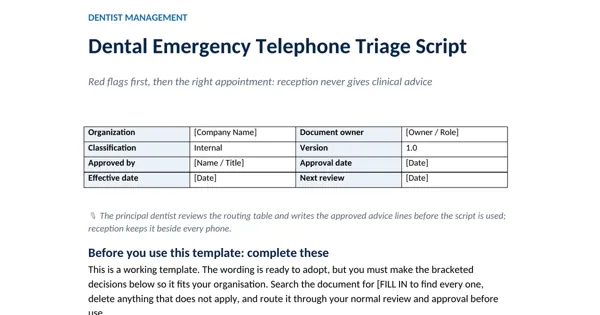
Dental Emergency Telephone Triage Script
Front Desk and Office Management
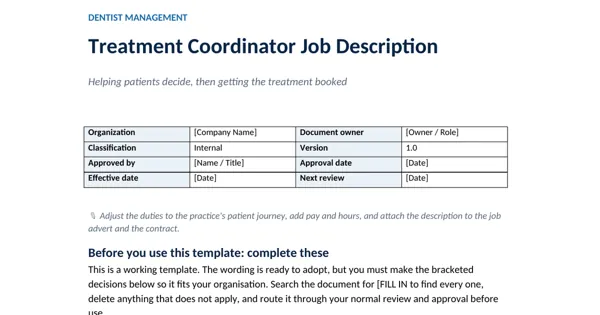
Treatment Coordinator Job Description
Front Desk and Office Management
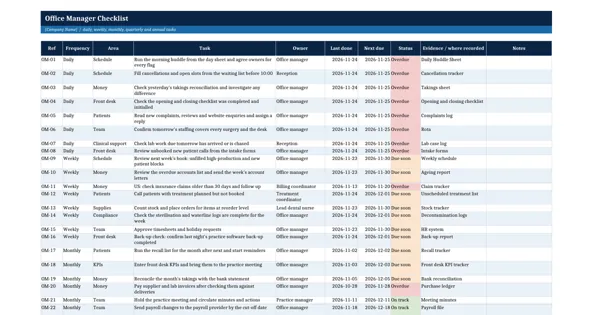
Dental Office Manager Daily, Weekly and Monthly Checklist
Front Desk and Office Management